

Reach out to support@sosha.ai with any additional questions or submit a ticket below.
Submit ticketCreating a New Organization
An organization is a workspace where your team can create, edit, and publish toolkits. To begin building a toolkit, you need to create a new organization in SoSha.
How to create an organization when logging into SoSha for the first time:
After logging in, enter your name to set up your individual profile.
On the portal's home page, click ‘+ New Organization.’

Enter your organization’s name and then save the changes.
How to create a new organization once logged into SoSha (Enterprise accounts only):
Only Enterprise accounts allow multiple organizations. If you're interested in adding more organizations to your account, please reach out to sales@sosha.ai for assistance.
In the left corner of the dashboard, click the dropdown menu next to your organization’s name. Click 'Manage organizations.'
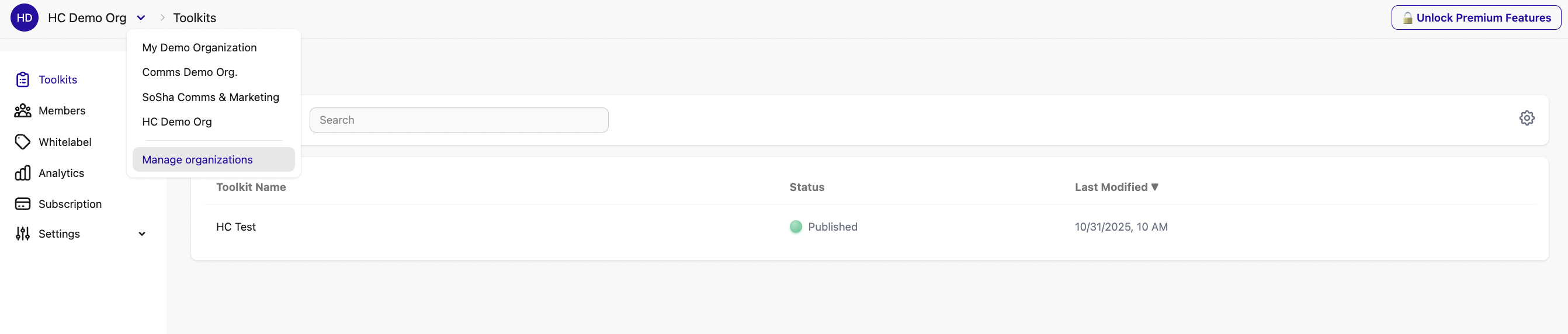
You'll see a list of all the organizations you're a part of and your role in each. Click ‘+ New Organization.’
Enter your organization’s name and then save the changes.
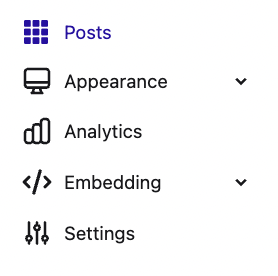
Note: To view all organizations you are part of, click the person icon in the top-right corner, go to ‘Settings’, and select ‘Organizations’.