Support Center

Need more help?
Reach out to support@sosha.ai with any additional questions or submit a ticket below.
Submit ticketToolkits Dashboard
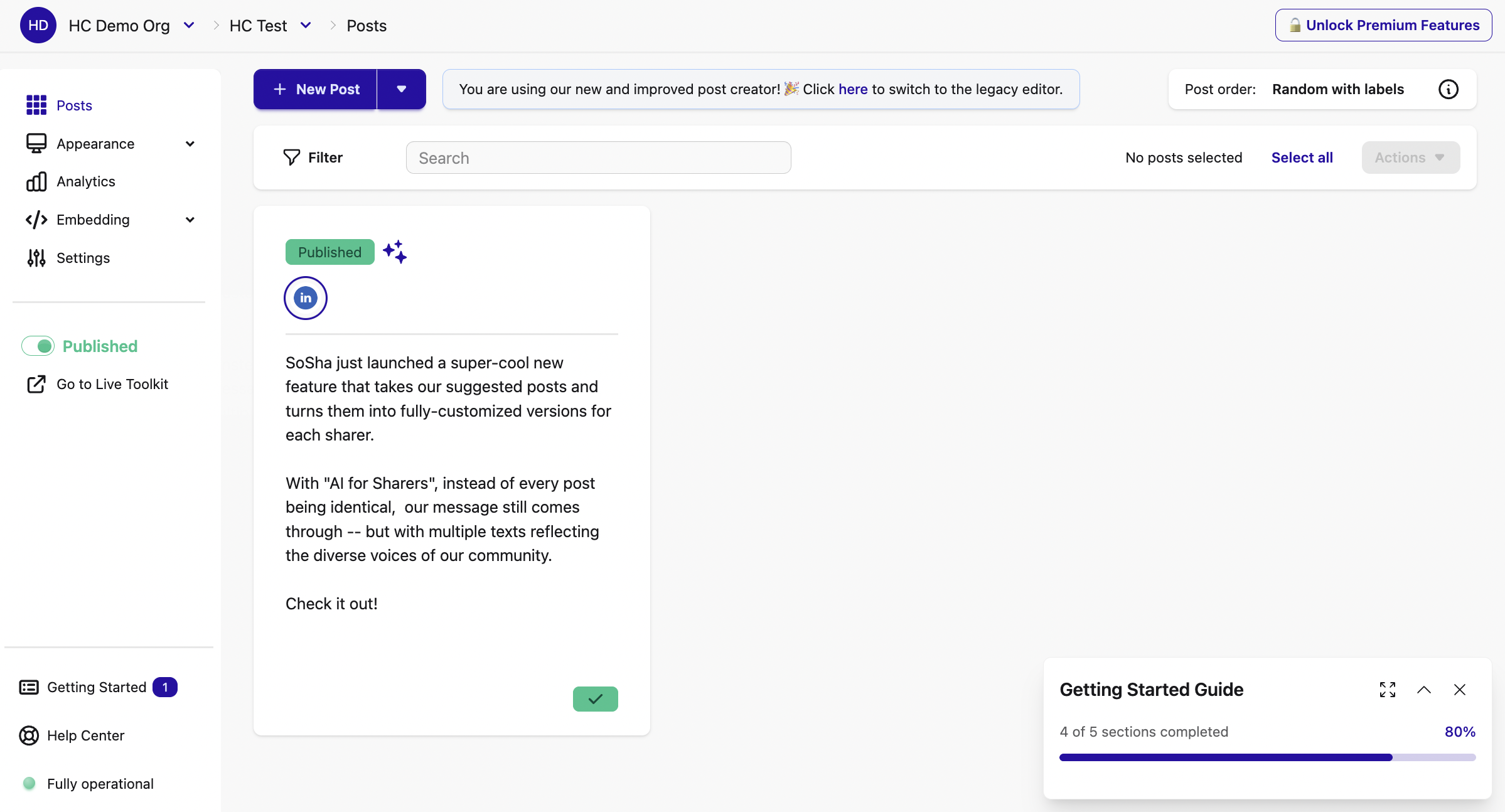
From your organization menu, click on any particular toolkit to enter that toolkit’s dashboard, or click “+ New Toolkit” to create a new one, if you’re an organization admin or manager.
The “Toolkit” dashboard provides both an overview of all created posts within the toolkit, as well as a mini menu allowing you to navigate and manage different toolkit features, including:
- Appearance: Allows you various cosmetic customization options for your toolkit.
- Analytics: An overview of your toolkit’s overall performance, including data on visitors, shares, and clicks, and access to detailed, toolkit-specific analytics.
- Embedding: Information to enable adding SoSha-built posts on web pages and emails.
- Settings: Houses settings and features including language options, archive and deletion options, and more.
- Live Toolkit: Link to your published toolkit’s URL for sharing with audiences.