
Support Center

Need more help?
Reach out to support@sosha.ai with any additional questions or submit a ticket below.
Submit ticketWhat are Organizations?
An organization is a workspace where your team can create, edit, and publish toolkits.
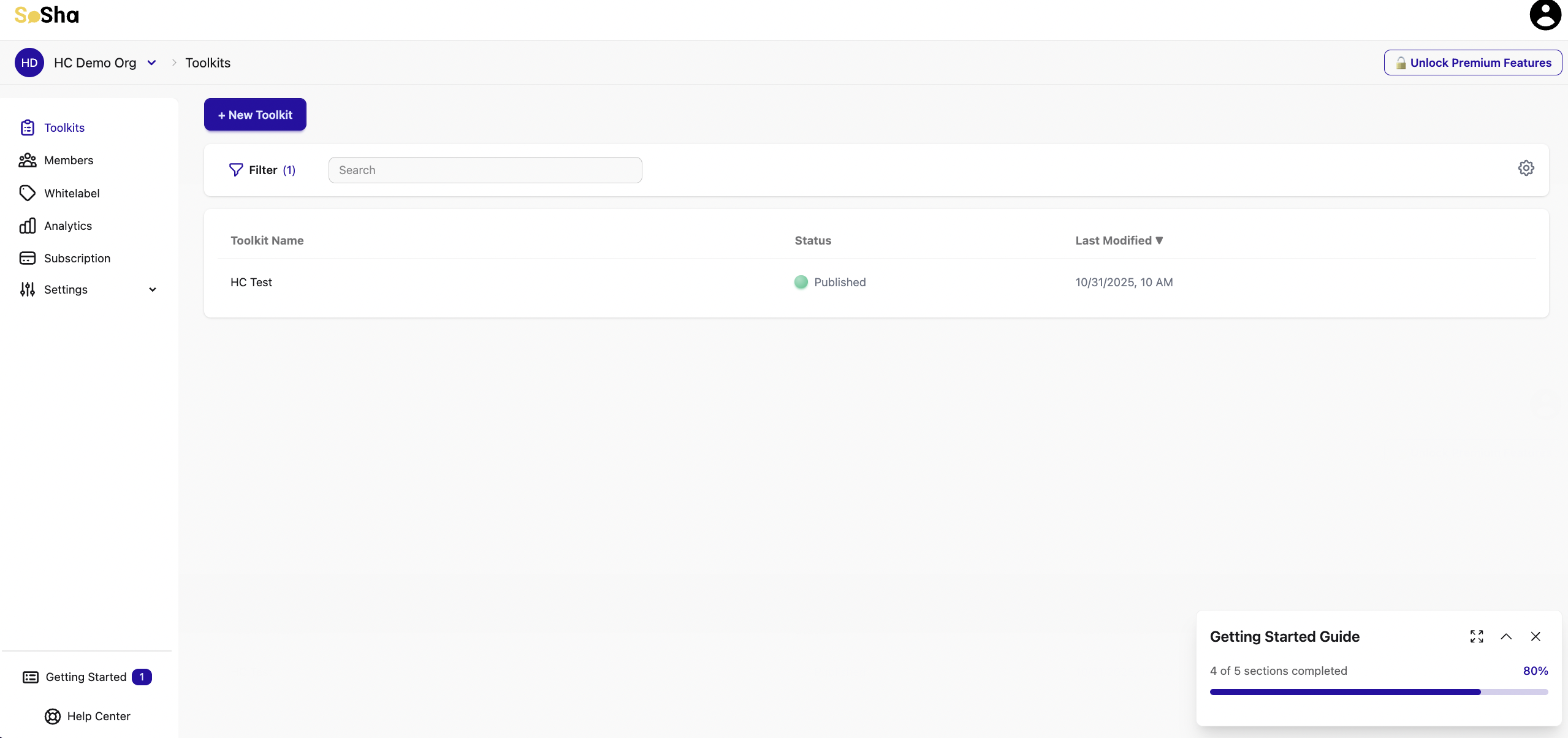
All members of the organization can view existing toolkits, but their role will determine what they can access or edit within the organization. Different roles allow for different levels of control over toolkits and the organization as a whole.
Only Enterprise accounts allow multiple organizations. If you're interested in adding more organizations to your account, please reach out to sales@sosha.ai for assistance.
To learn more about roles, view Member Roles.