

Reach out to support@sosha.ai with any additional questions or submit a ticket below.
Submit ticketHow to Enable AI Post Rewriting
AI Post Rewriting allows your sharers to post unique variations of your original content, helping their shares feel stand out in crowded feeds. When enabled, our AI writing assistant generates similar, but not identical, posts based on your original copy.
How to Enable AI Post Rewriting for Sharers:
Select a Toolkit and open Settings.
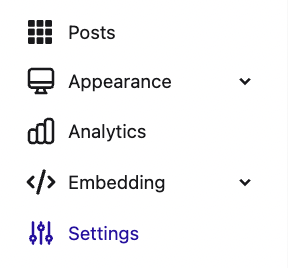
Navigate to the AI Post Rewriting section and click Edit. Toggle the switch to enable the feature.
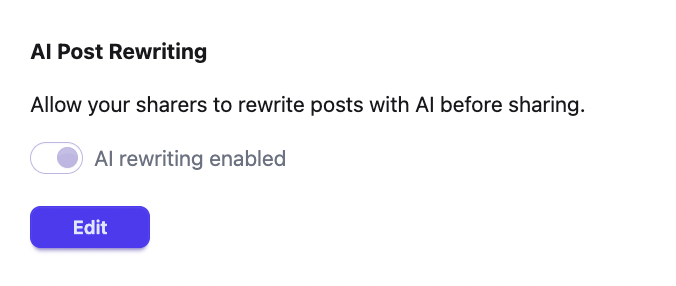
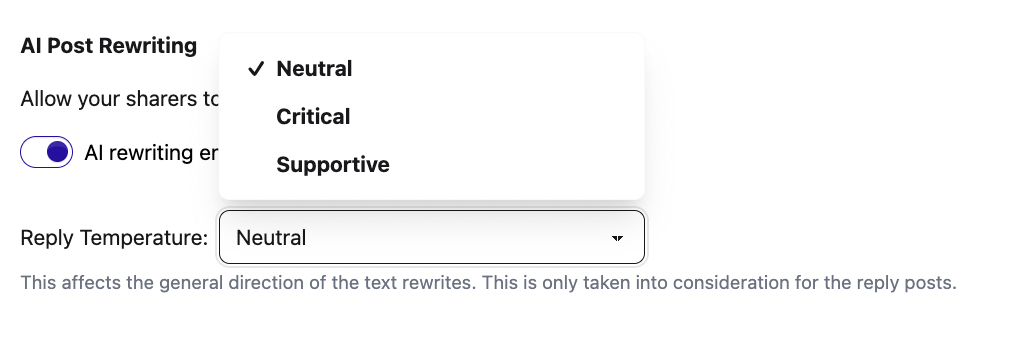
Configure your AI settings:
Rewrite intensity – Controls how much each version can differ from the original post copy.

Reply temperature – Controls whether the text is more supportive or critical of the original post. This setting applies only to AI-generated reply posts.
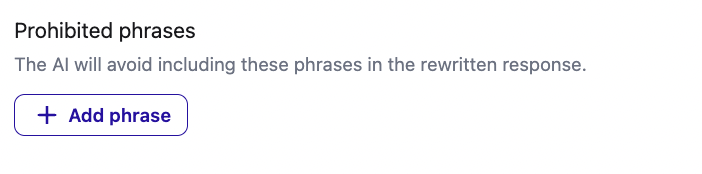
Prohibited phrases – Words or phrases you want the AI to avoid when generating rewrites.
Protected phrases - Words or phrases that will always be included in the AI rewritten response.

Turn on AI rewrite for all posts by clicking Enable for all posts. Within each toolkit, you can decide which features AI rewriting is available for.

There are three additional settings you can enable:
- Avoid emojis
- Avoid hashtags
- AI translations: Allow sharers to translate posts into other languages using AI
Once you've customized how the writing assistant will generate posts, save your changes.
How to Choose Which Posts Use AI Rewriting:
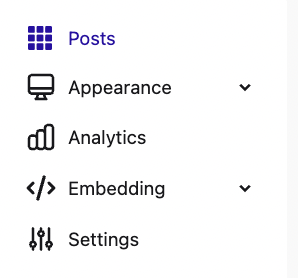
Go to the Posts section within your toolkit.
Click the star icon to enable and disable the AI rewrite and the toolkit will update automatically. Posts with AI rewriting enabled will display the same icon next to them.

To update multiple posts at once, select them, click Actions, and choose Enable AI Rewrite.
