
Support Center

Need more help?
Reach out to support@sosha.ai with any additional questions or submit a ticket below.
Submit ticketCustomizing your toolkit URL
Edit the toolkit URL to make it easy to remember for sharers and to align with branding.
To customize your toolkit URL:
Navigate to the settings page of an individual toolkit.
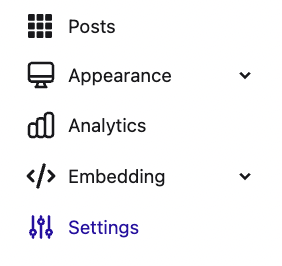
Scroll to ‘Toolkit URL’ and select edit.

Enter text that will go after https://app.sosha.ai/toolkit/
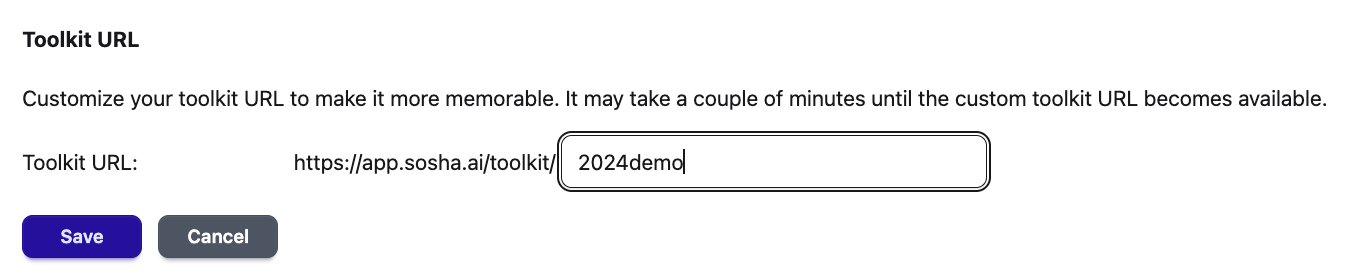
Save your changes. It may take up to an hour until the custom toolkit url becomes available.
To make your toolkit easier to access, click QR code and download it.

Add it to printed materials or presentation slides so people can scan it to open your toolkit.
Note: If you want to replace https://app.sosha.ai/toolkit/ with your own URL, use our Whitelabel feature.