
Support Center

Need more help?
Reach out to support@sosha.ai with any additional questions or submit a ticket below.
Submit ticketHow to Copy a Toolkit to Another Organization
When you collaborate with other organizations, you may want to copy an entire toolkit (and its posts) into another workspace so another team can publish the same or similar content.
Before you start
To copy a toolkit, you must be a Manager, Admin, or Owner in both organizations (the one you’re copying from and the one you’re copying to).
Learn more about roles in Member Roles.
How to Copy a toolkit:
From your Toolkits list, click the toolkit you want to copy.
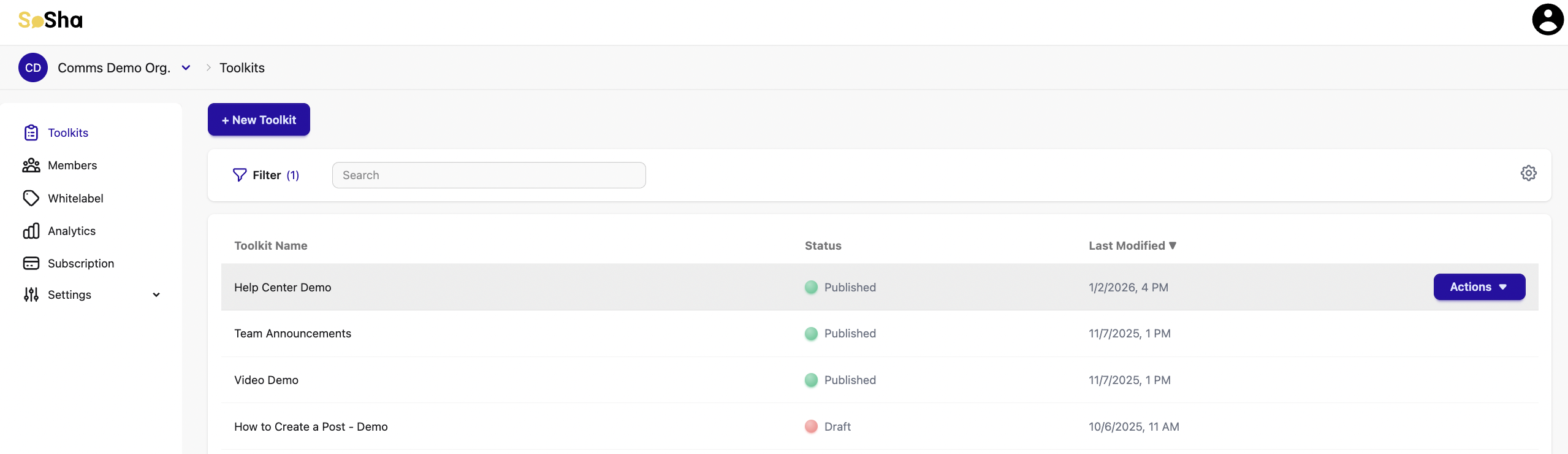
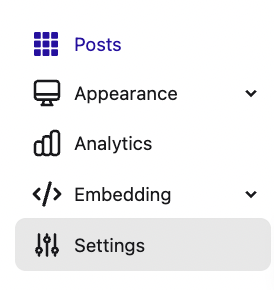
In the toolkit, click Settings (left-side menu).
Scroll to Copy Toolkit to another Organization.

Click the purple button to view the other organizations you belong to and select the destination Organization.
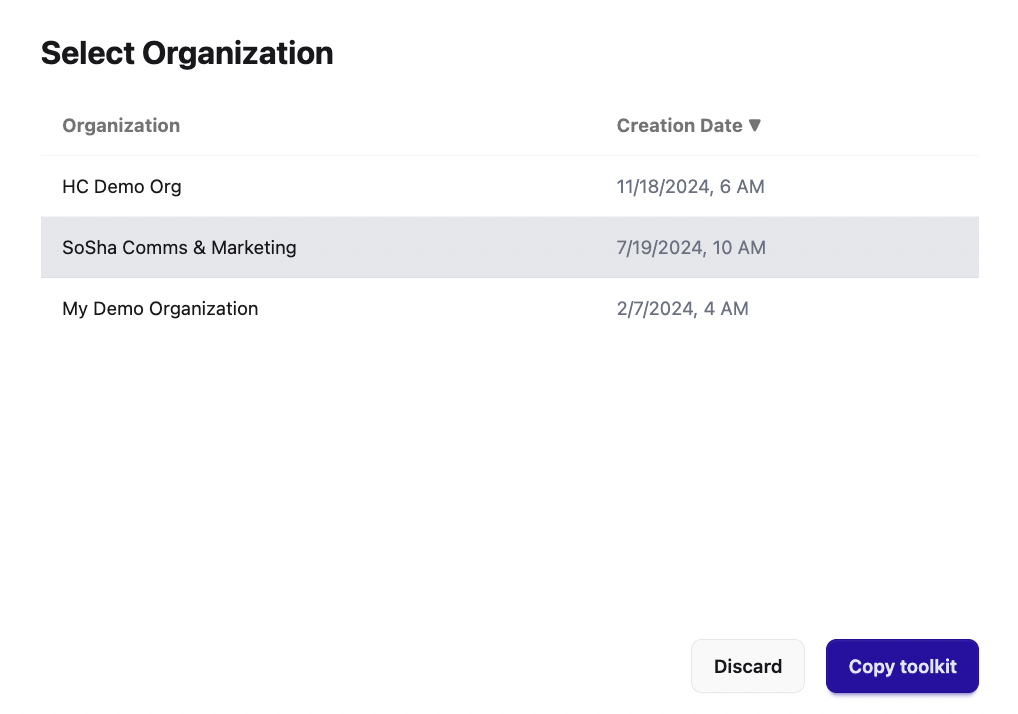
Click Copy Toolkit.

Once complete, the copied toolkit will appear in the destination organization’s toolkit list.