
Support Center

Need more help?
Reach out to support@sosha.ai with any additional questions or submit a ticket below.
Submit ticketHow to add Two-Factor Authentication
Secure your personal SoSha account by enabling Two-Factor Authentication (2FA) with a Time-based One-Time Password (TOTP) generated through an authenticator app.
How to add 2FA Authentication:
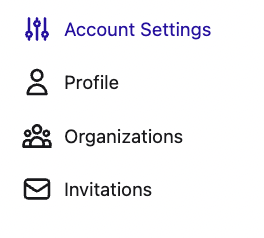
Log into your SoSha account and click ‘Account Settings.’ You’ll see a section labeled Two-Factor Authentication.
Select ‘Enable 2FA.’

Scan the QR code that appears with your authenticator app (Google Authenticator, Authy, etc.) Or you can enter the 6-digit verification code from your authenticator app.
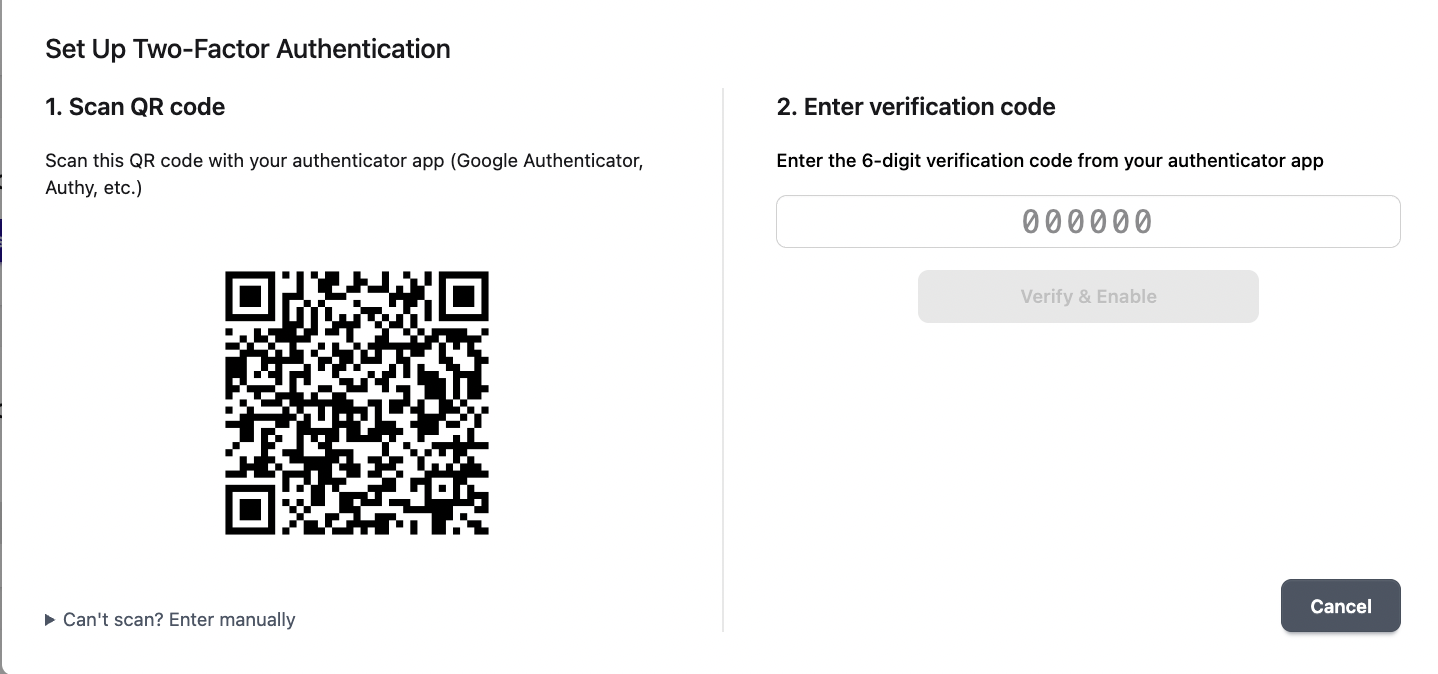
Click ‘Verify & Enable.’