
Support Center

Need more help?
Reach out to support@sosha.ai with any additional questions or submit a ticket below.
Submit ticketHow to Customize Fallback Language for Toolkits
Your sharers can now view toolkit instructions in their preferred language, ensuring a more accessible and user-friendly experience. By default, the toolkit displays in the sharer’s browser language. If that language isn’t available, it will automatically switch to the fallback language you select.
How to Adjust Toolkit Language Settings:
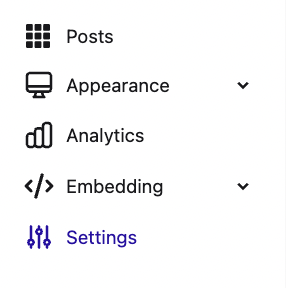
Open a toolkit and navigate to Settings in the left toolbar.
Locate the Fallback Language section and click the dropdown menu.

Select a fallback language. If a sharer’s browser language isn’t supported, this language will be used instead. We currently support English, Danish, German, Spanish, French, Hebrew, Croatian, Hungarian, Italian, Dutch, Lithuanian, Czech, Romanian, Slovakian, Swedish, and Bulgarian.
A confirmation message will appear automatically in the right corner once the change is saved.
