
Support Center

Need more help?
Reach out to support@sosha.ai with any additional questions or submit a ticket below.
Submit ticketHow to Change a Toolkit's Name
Edit your toolkit’s internal name and description to help your team quickly identify and manage it in your workspace.
To change the name of your toolkit:
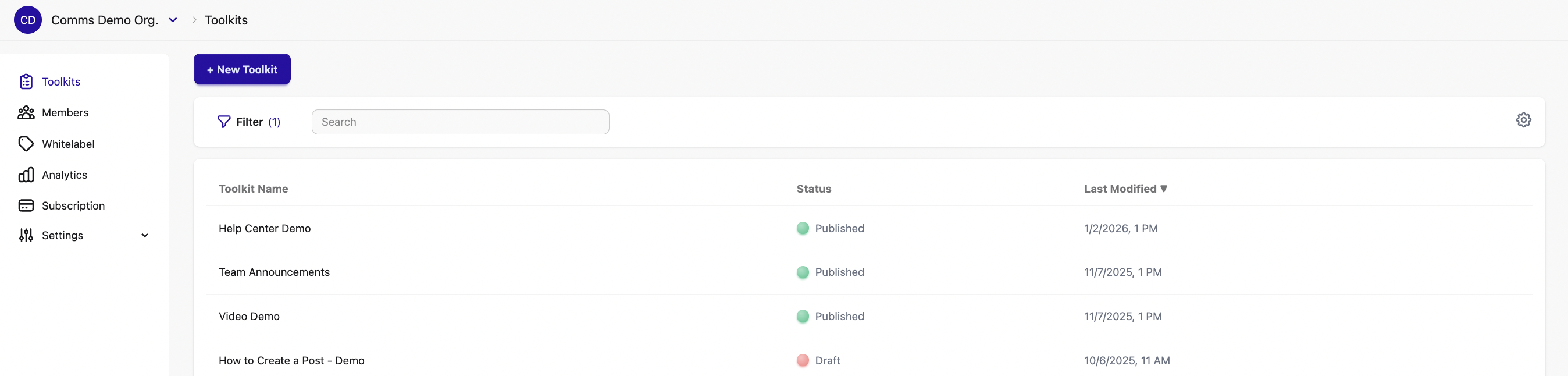
Once you’re logged into your organization, you'll see a list of all toolkits. Select the toolkit you want to edit.
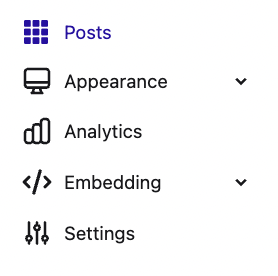
Click ‘Settings’ in the menu on the left. You’ll see the Toolkit name at the top.
Click the ‘Edit’ button and enter the new name and save your changes. You can also enter a description to provide additional information about the toolkit.
