Support Center

Need more help?
Reach out to support@sosha.ai with any additional questions or submit a ticket below.
Submit ticketHow to change the name of your organization
To change the name of your organization:
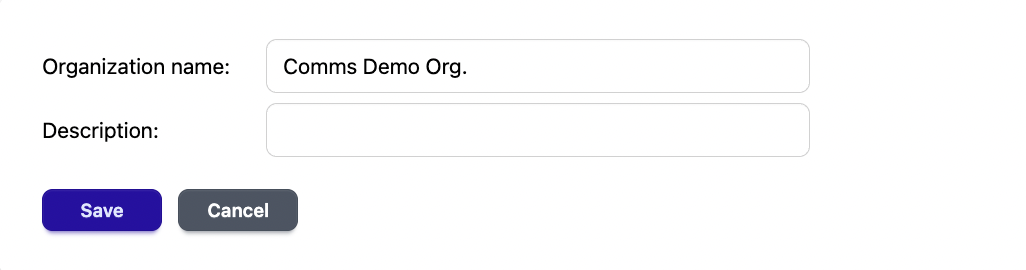
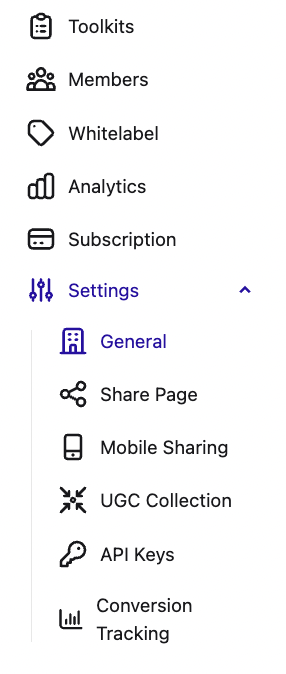
Click the ‘Settings’ tab in the left-hand menu once logged into SoSha. A page will appear with the current name and description of the organization.
Select the ‘Edit’ button, type a new name to display internally and then click save.