

Reach out to support@sosha.ai with any additional questions or submit a ticket below.
Submit ticketHow to Add Conversion Tracking Pixels
SoSha offers conversion pixels to help you track your users’ journey through the full funnel—from a shared-post click to a completed action on your site. It’s key to understanding how you’re driving real results.
If you use EveryAction, ActionNetwork, NationBuilder, WordPress, Wix, or Google Tag manager, instructions on the platform will walk you through the process to build the full-funnel view of how SoSha’s driving impact.
To implement the pixels:
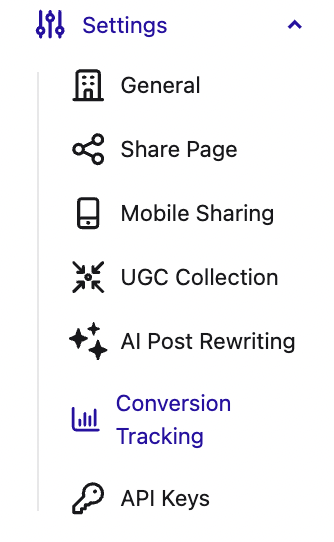
Head to your organization’s settings page in the SoSha portal and click ‘Conversion Tracking.’
Select the platform you'd like to add a conversion pixel to:

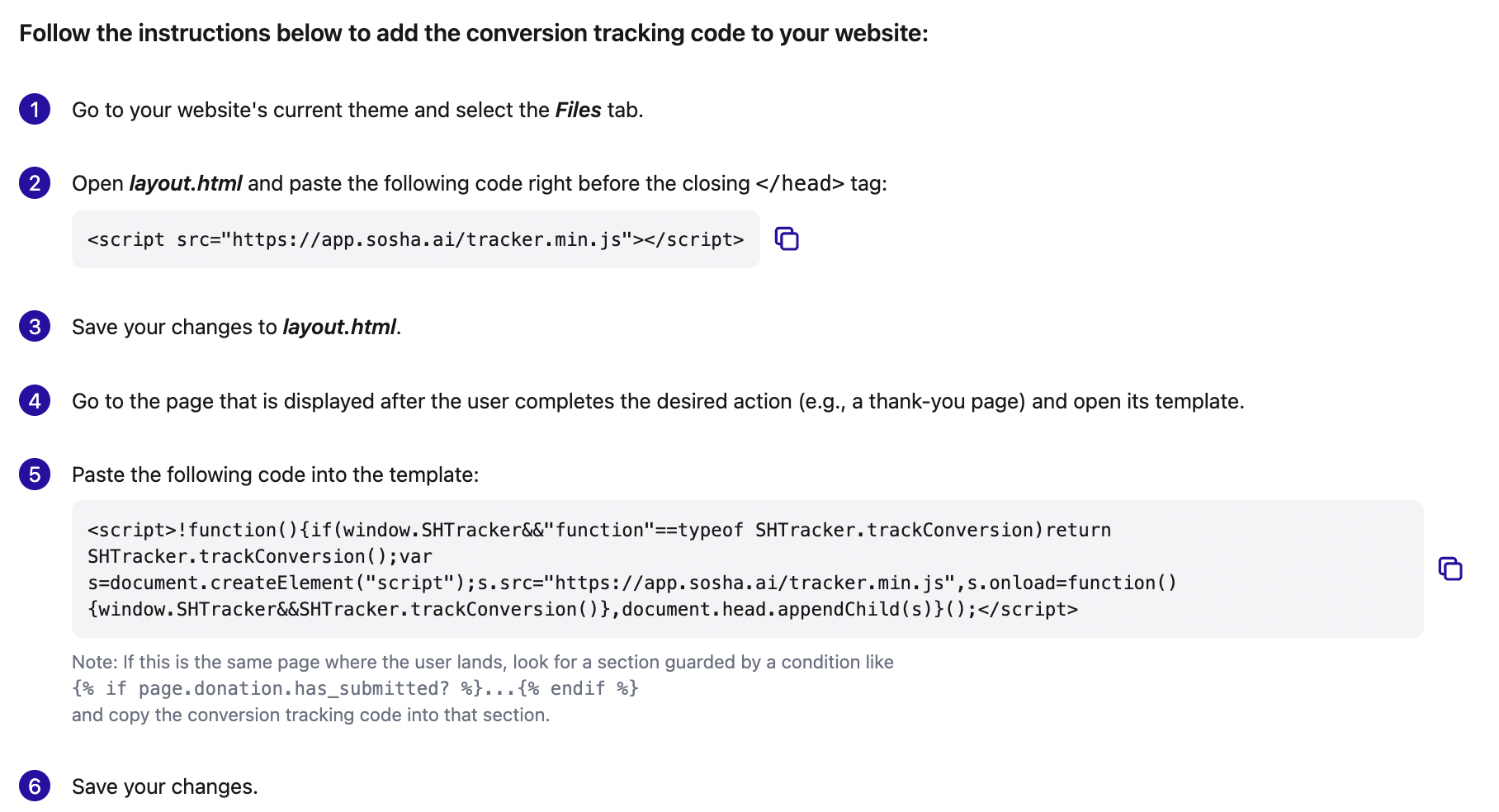
Follow the step-by-step instructions for the platform.
Copy and paste the URL of the page people reach after completing the action and press Verify setup. A preview window will open so to check whether the pixel is working.

If we can’t confirm the setup, follow the instructions in the yellow box to make any necessary corrections.

After making the changes, click Try Again to confirm that the pixel is working.