

Reach out to support@sosha.ai with any additional questions or submit a ticket below.
Submit ticketHow to generate a new post with AI
Our writing assistant helps turn your text into optimized, ready-to-share posts. All you need is some original source material for our AI-powered writing assistant to generate social media-ready posts.
How to Create a New Post with the Writing Assistant
Select the arrow button next to '+ New Post' and select 'Generate a Post with AI'

Select platforms: Choose the social media platforms you’d like the post to be shareable to.

Enter a Text: Provide a draft of original content (e.g., press release, memo).
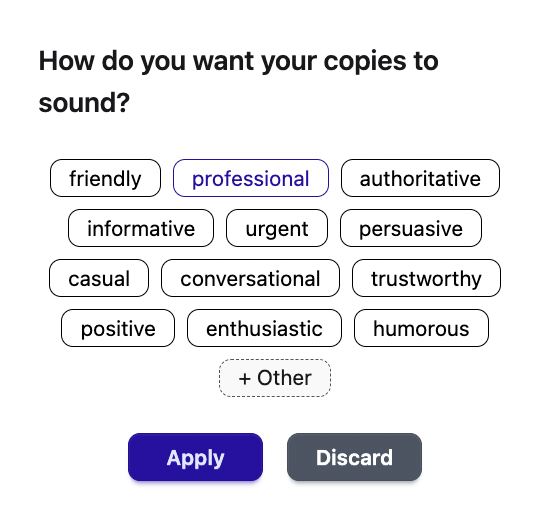
Select the tone for your post from the available options, or choose Other to enter your own.
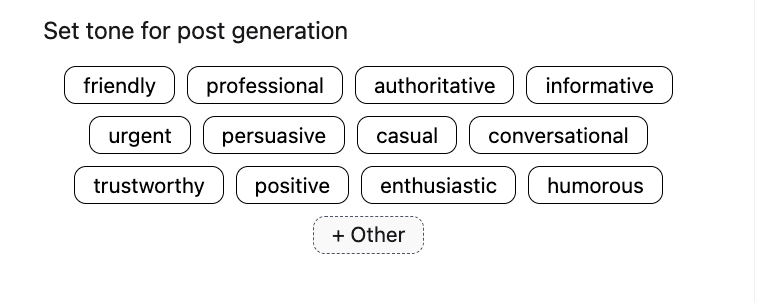
Add Media: Upload a visual, link, and link caption as needed.
Add a Link: Enter a URL and Link Caption.

Click ‘Generate.’ For each social media platform selected, the writing assistant will have generated a unique post. You can select more platforms to generate posts for by clicking the social media icons.
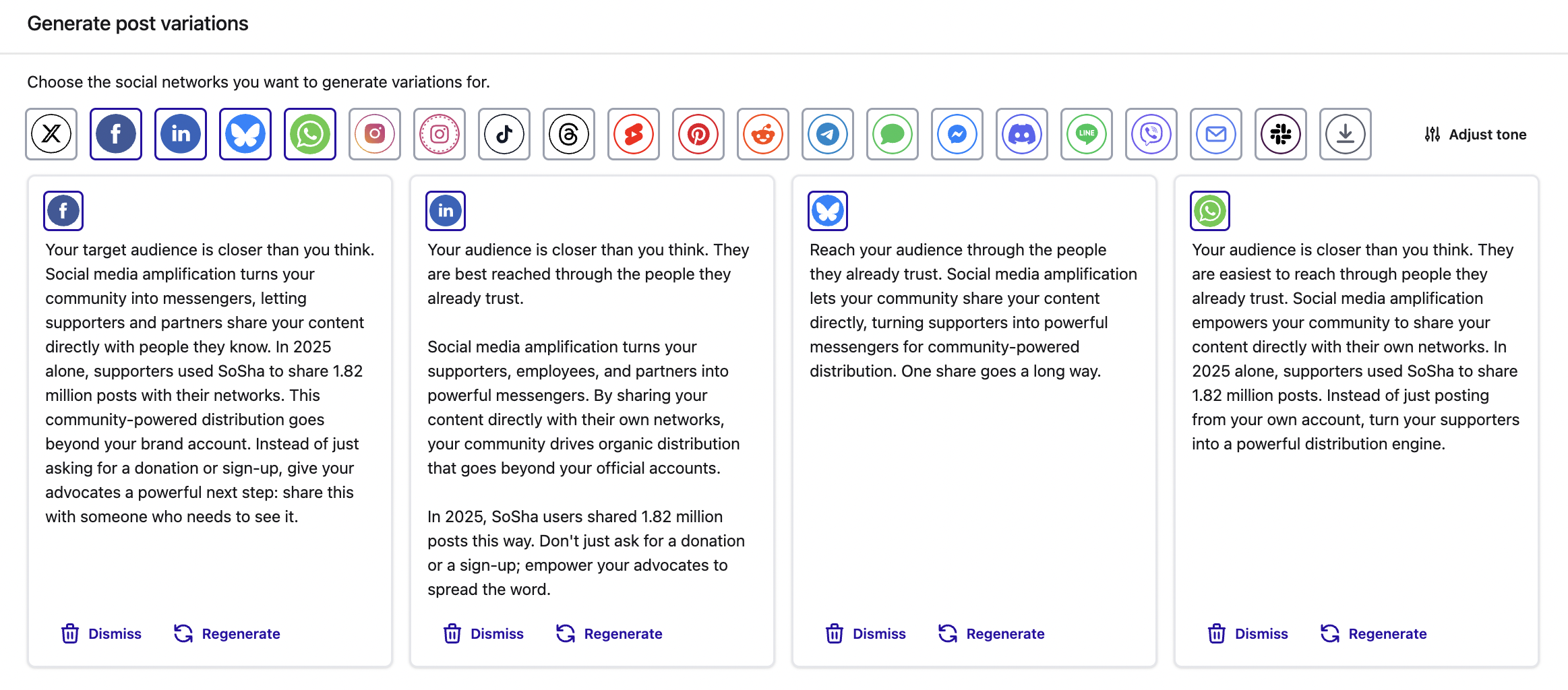
Review options: Click ‘Dismiss’ to remove the draft and click ‘Regenerate’ to create another version.

Click Adjust Tone to choose how you’d like the rewritten post to sound. Select from the suggested adjectives, or click + Other to add your own.
Finalize posts: Once satisfied, click the blue ‘Create Post with Variations’ button to save all posts.

For steps on how to create posts without AI, visit Creating new posts.