

Reach out to support@sosha.ai with any additional questions or submit a ticket below.
Submit ticketReplace Text in Multiple Posts at Once
Save time by finding and replacing words or phrases across multiple posts at once. This is especially useful when updating campaign messaging, correcting information, or changing links without having to edit each post individually.
How to Search & Replace:
Select the posts you want to edit by clicking on them.

Click Actions on the right side of the toolkit page and select Bulk Edit.

Choose Replace Text.
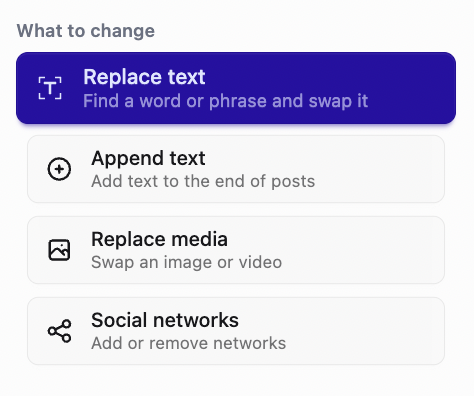
Enter the word or phrase you want to replace, then type the replacement text.

Choose where to apply the replacement: post text, link, or link caption.

Preview the changes by comparing the original and replacement text. Deselect any variations you don’t want to update, then click Replace Matches at the bottom to apply the changes.
