

Reach out to support@sosha.ai with any additional questions or submit a ticket below.
Submit ticketScheduling posts for Publishing and Unpublishing
Posts can be scheduled to be published or unpublished on a toolkit at a certain date and time, allowing for greater control of when your content is displayed.
To schedule an individual post for publishing:
Hover over the post you’d like to publish.
Click the three dots in the corner of the post and select ‘Publish Later’.
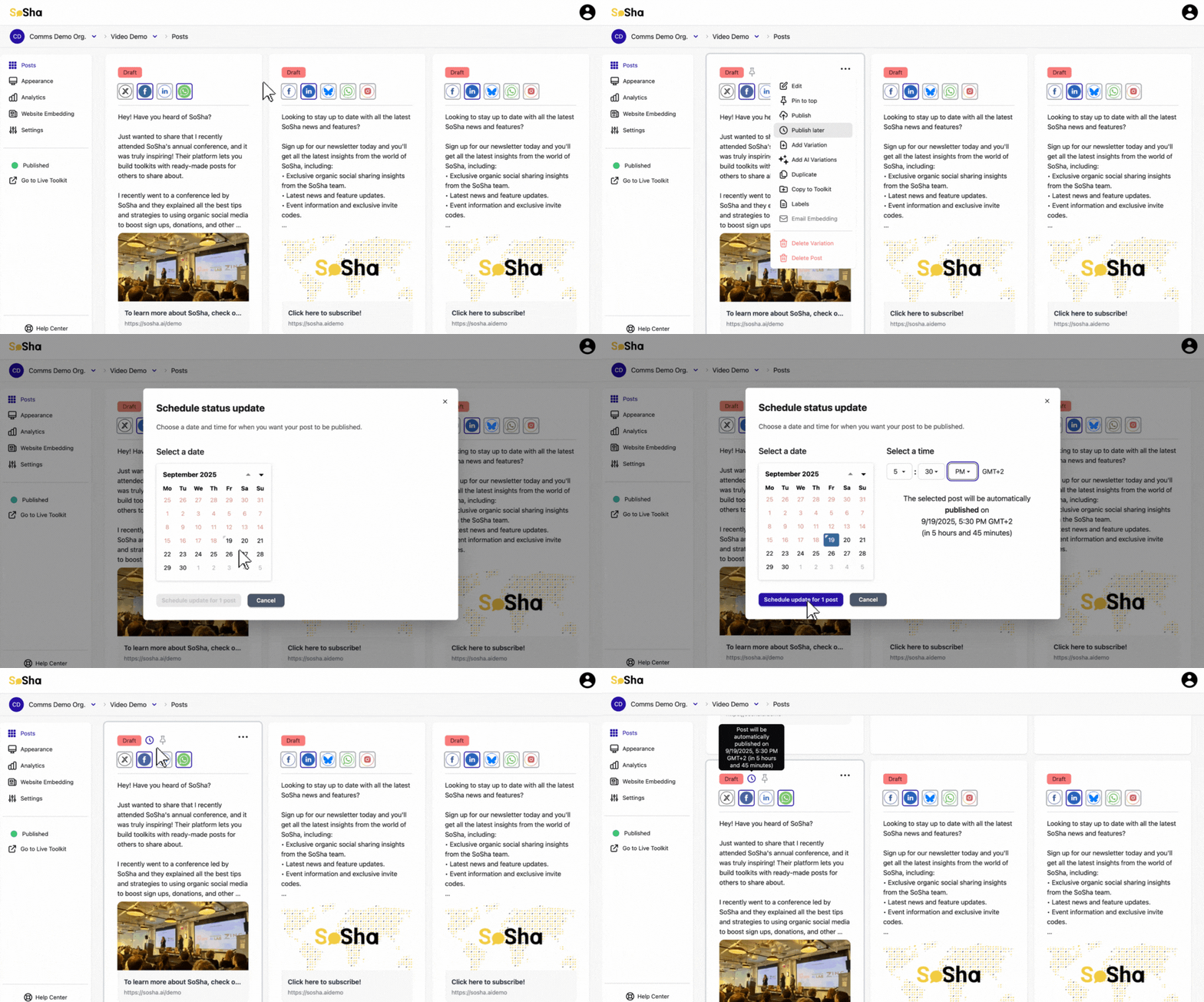
Choose the date and time you want to publish the post.
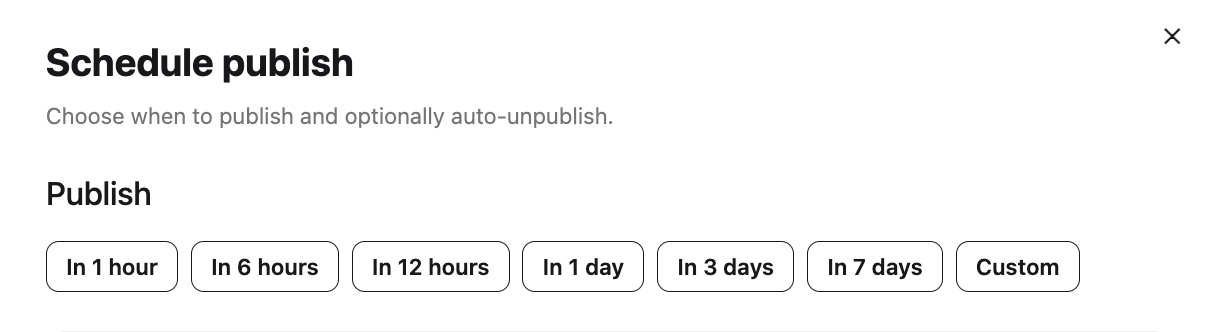
Click the Auto-unpublish button to automatically revert a published post to draft after a selected timeframe, then choose your desired duration.

To schedule this change, click the blue button at the bottom.

To unpublish a post at a later time, follow the same steps and select “Unpublish Later.” You can also schedule the post to be republished at a specific time.
To schedule multiple posts for publishing:
Select all the posts you’d like to schedule to publish or unpublish.
Click the ‘Actions’ button on the right side followed by ‘Publish later.’
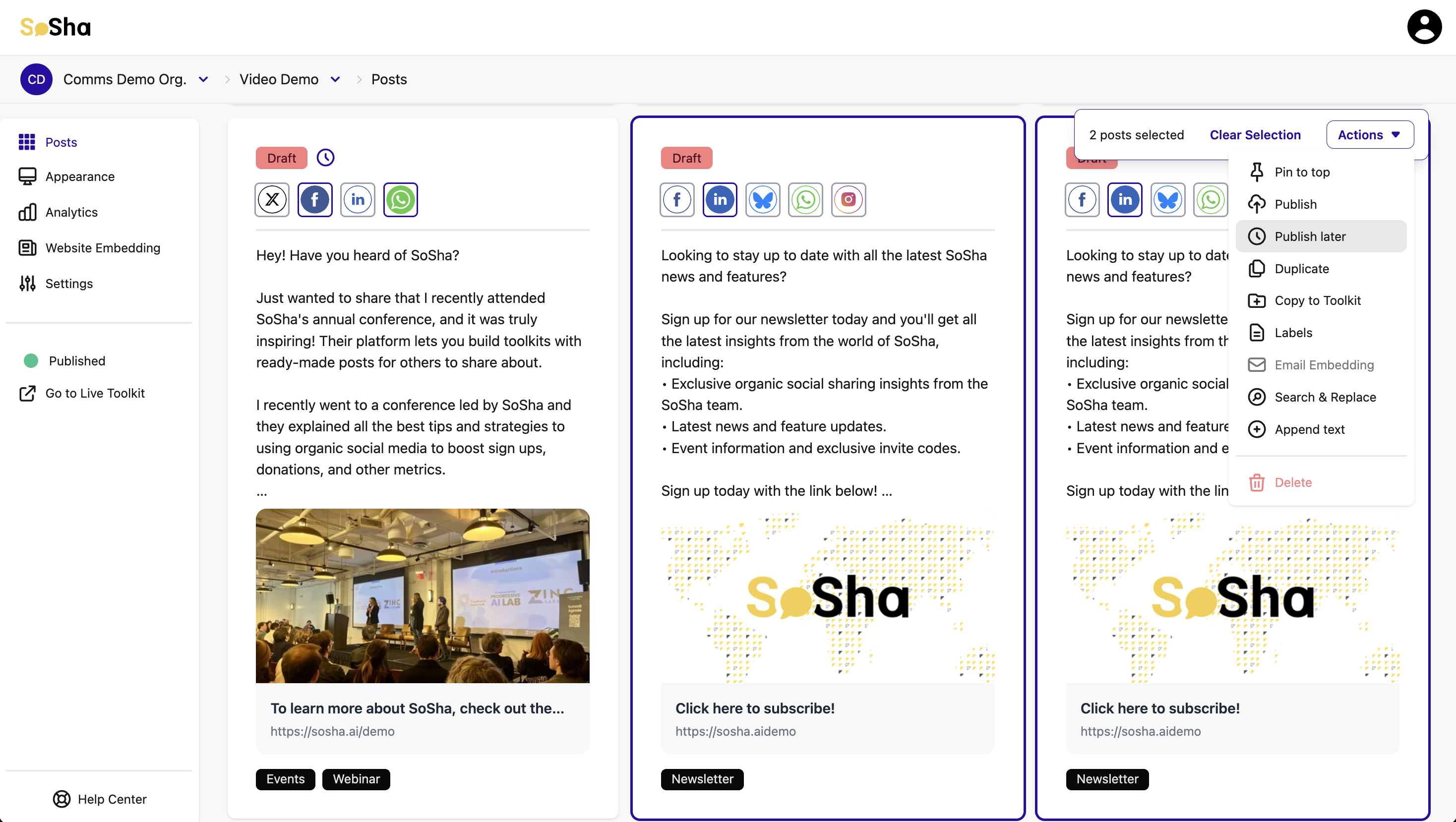
Choose the date and time you want to schedule the posts.
Finalize the scheduling by clicking the blue button at the bottom.
Repeat these steps to unpublish posts, selecting ‘Unpublish Later’.